

Manually update a contact's status
Set a contact's status yourself to stop or resume automation, for example when a conversation has moved offline.
- Applies to
- All plans
- Before you start
- Contacts in your hubsell account.
A flow is designed to run only up to the point of a reply. Once a contact responds, automation stops and the conversation is handed over to you. Statuses are how hubsell records where each contact sits in that handover, and setting one yourself is how you tell the system a conversation has moved offline.
Auto is the only status that keeps messages going out. Every other status ends the flow for that contact: all Replied Positive, Neutral and Negative options, Replied via other contact, Targeted via other channels, Unsubscribe and Bounced.
Set a status
-
Click the Contacts icon in the left sidebar.
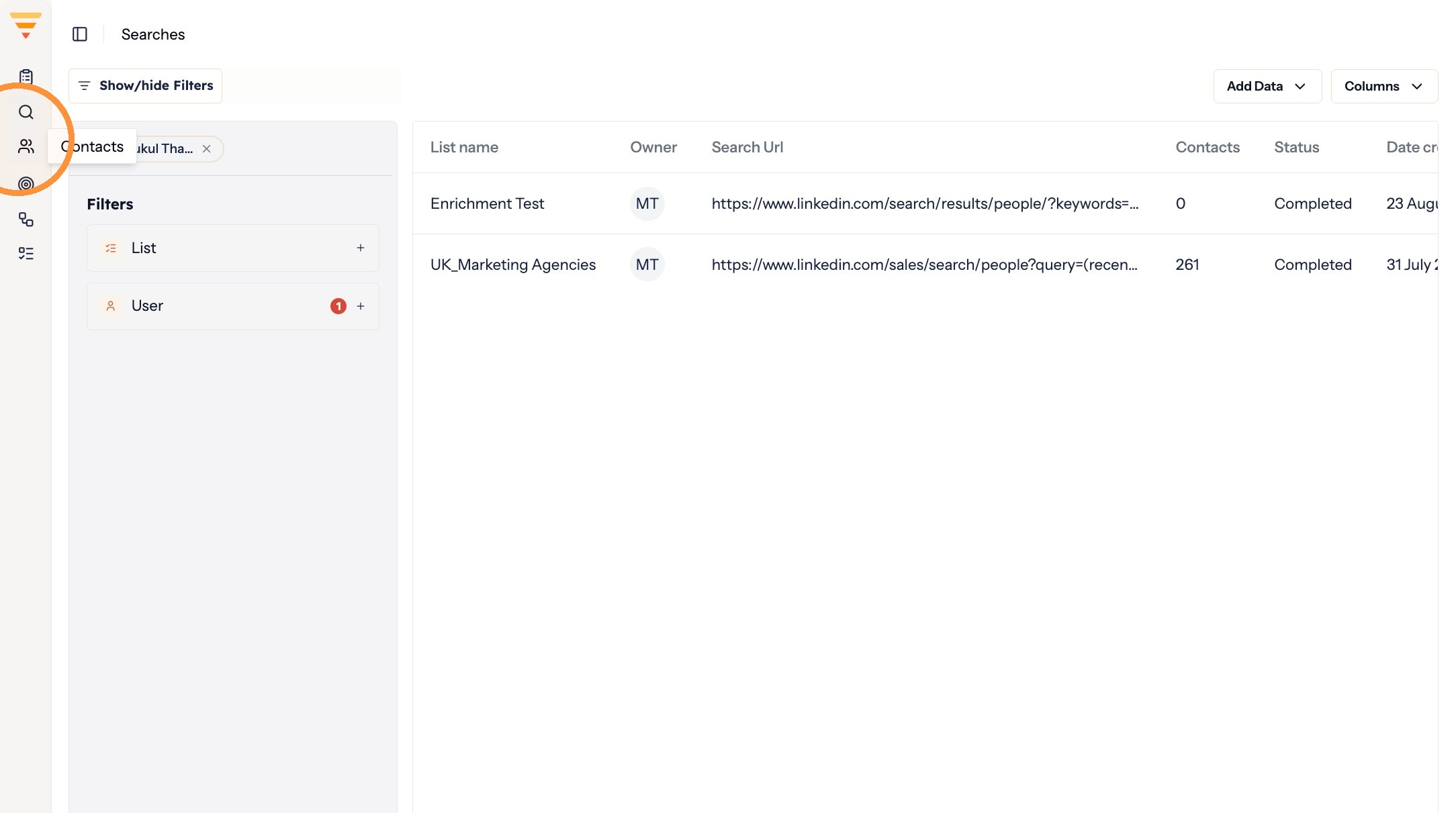
Opening Contacts -
Apply filters to narrow down the contacts you want to update, then click Apply changes.
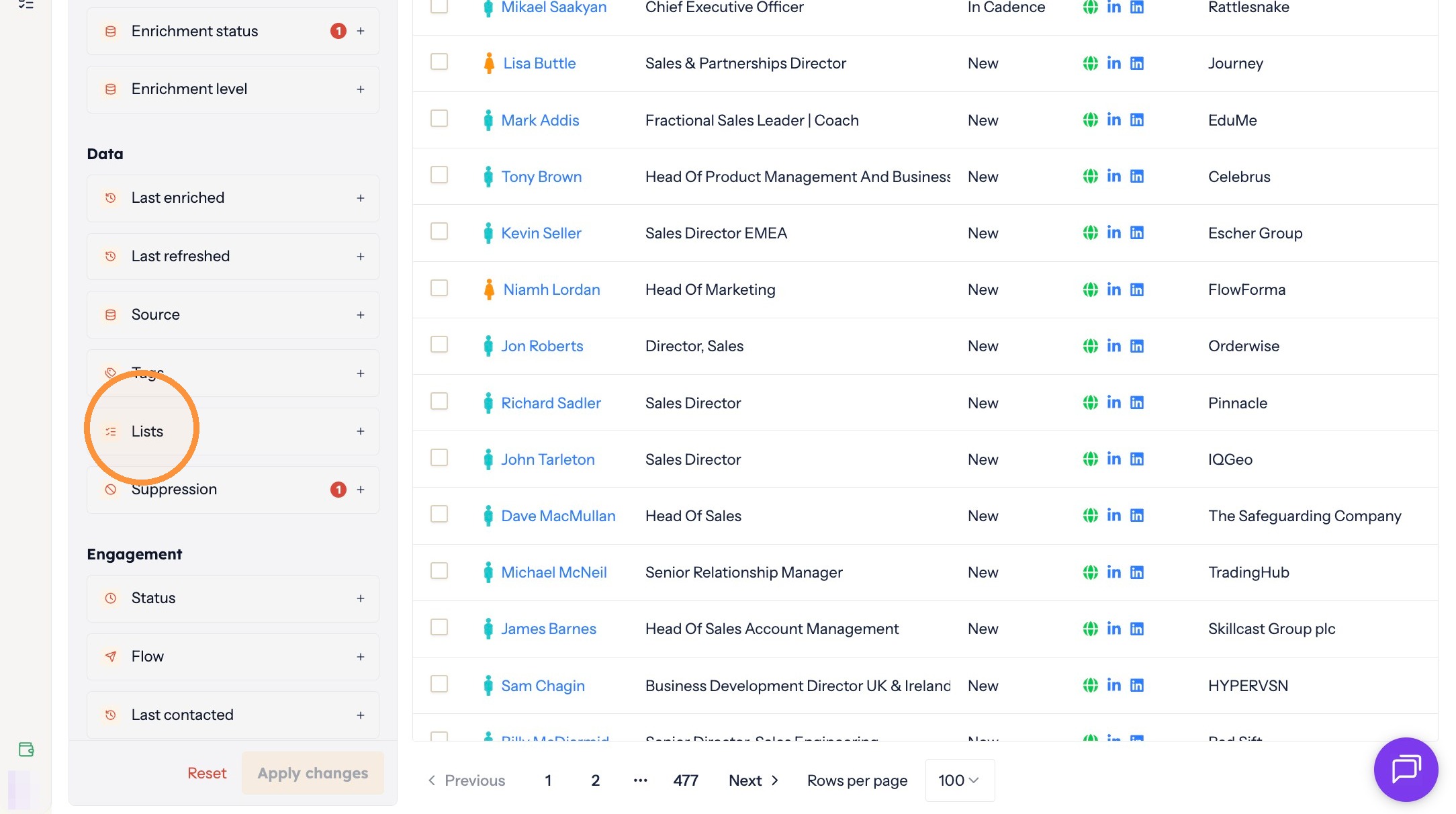
Narrowing things down -
Select the contacts you want to update.
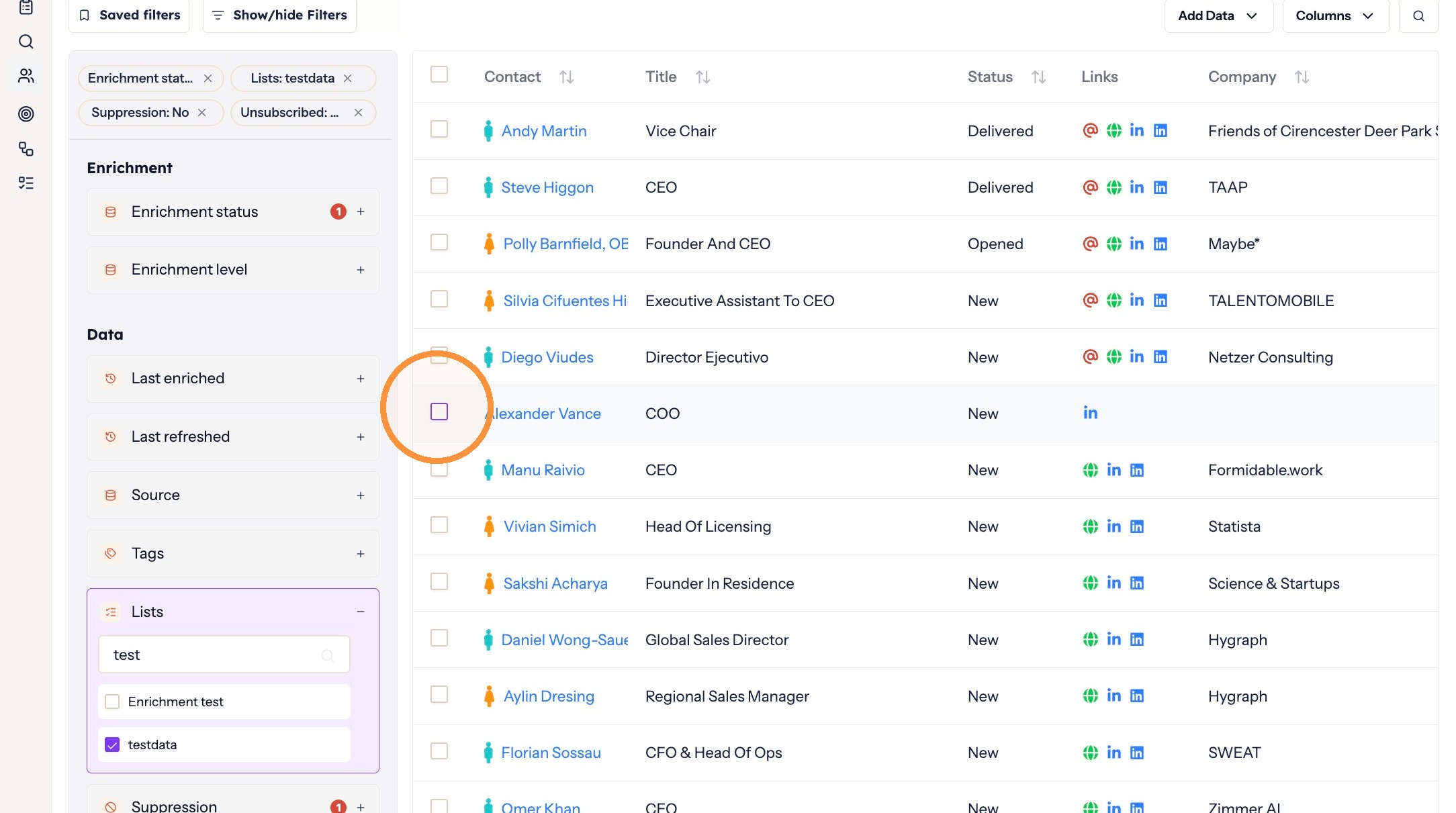
Selecting contacts -
Click Update status in the toolbar above the contact table.
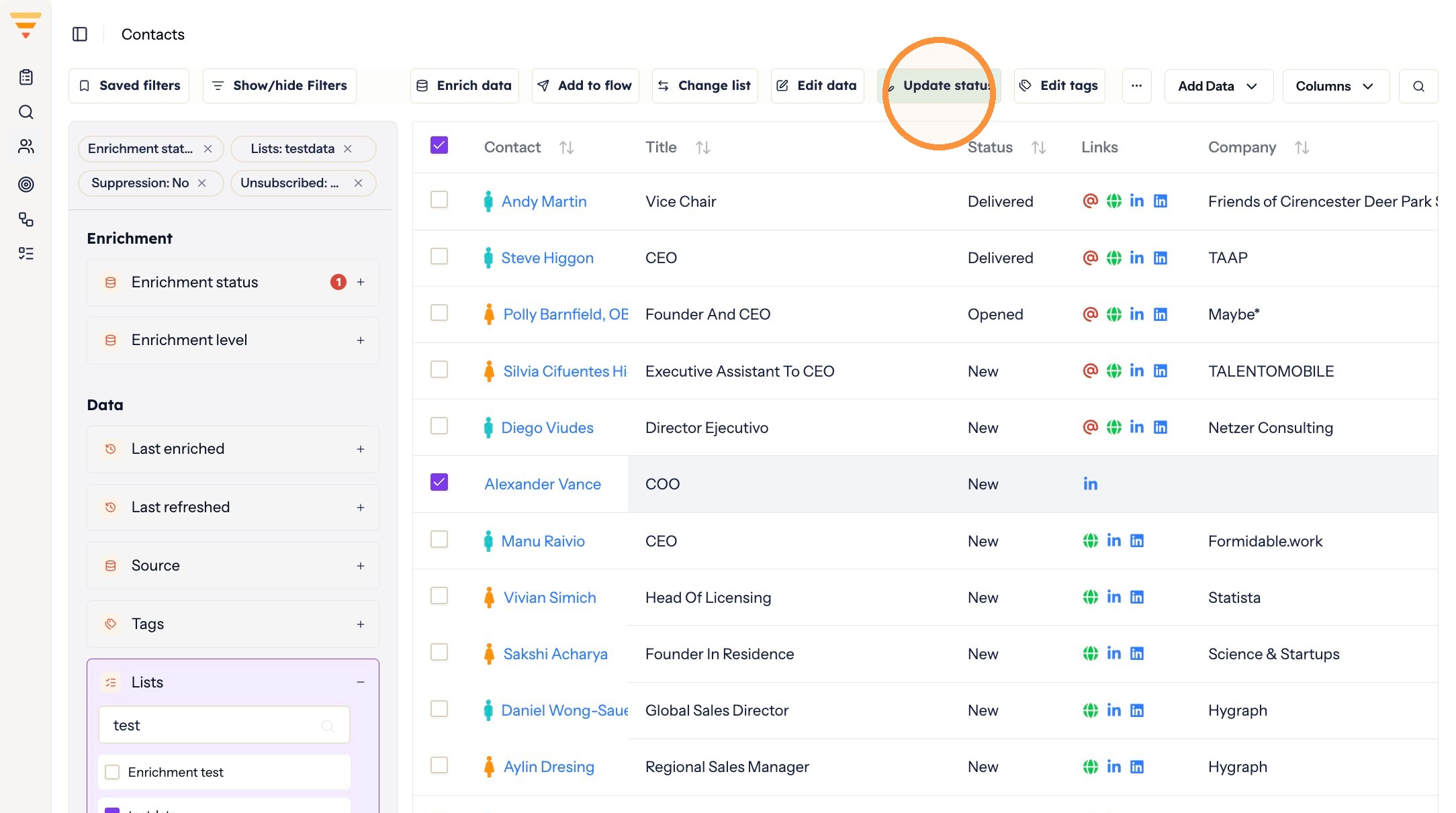
Opening the status menu -
Select the status you want to set.
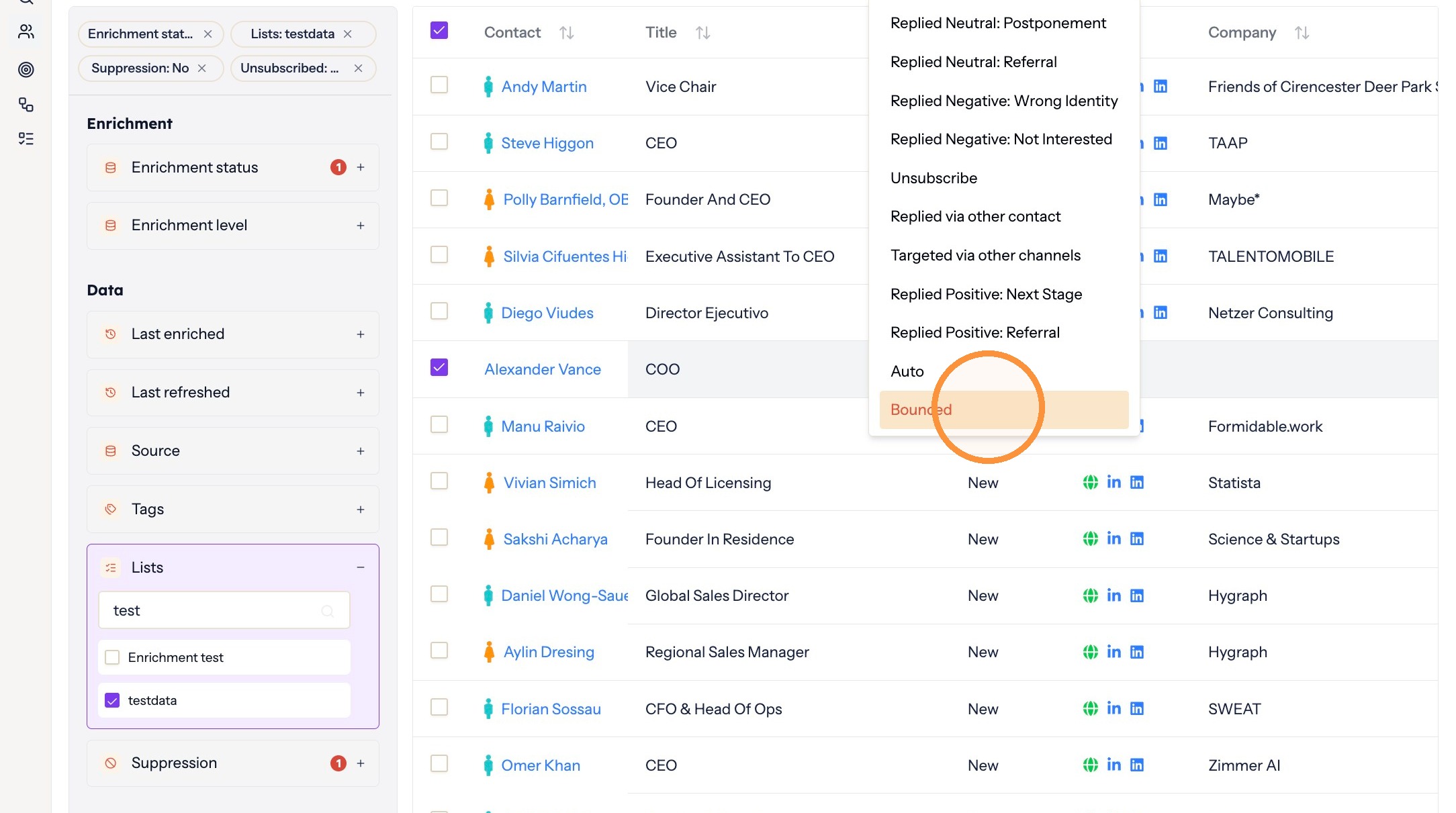
Choosing the status
The status is set. Contacts on Auto keep receiving follow-ups, and anything else stops the flow for that contact so the conversation stays with you.
Common mistake
- An out of office auto reply gets marked as Replied. That ends the flow for a contact who never really responded. Set the status back to Auto so they continue receiving follow-ups.
Interactive walkthrough
Click through every step at your own pace.
The walkthrough loads from Scribe only after you click, so nothing third party runs on the page until then.
Common questions
Why do contact statuses exist?
A flow is designed to run only up to the point of a reply. Once a contact responds, automation stops and the conversation is handed over to you. Statuses record where each contact sits in that handover.
Which statuses stop a flow?
Auto is the only status that keeps messages going out. Every other status ends the flow for that contact, including all Replied Positive, Neutral and Negative options, Replied via other contact, Targeted via other channels, Unsubscribe and Bounced.
A flow stopped because of an out of office reply. How do I resume it?
Set the contact's status back to Auto, and follow-ups continue.
Related articles
- Data enrichment in hubsellWhat data enrichment is, why it matters for outreach, and where you choose it when you bring contacts into hubsell.
- Suppress and unsuppress contactsKeep individual contacts out of your outreach without deleting them, and put them back when you want to.
- Move contacts between listsReorganise your contacts by moving them from one list to another, without affecting their flows or tags.
- Isolate contacts with no email address or LinkedIn URLFind the contacts a flow would skip, and move them into a list of their own so they do not sit unnoticed in your outreach.