

Clone an existing flow
Duplicate a flow you already have, including one built by a colleague, and adapt the copy instead of rebuilding from scratch.
- Applies to
- All plans
- Before you start
- An existing flow in your account, or one belonging to a team member.
Cloning saves rebuilding a sequence step by step. It is the quickest way to run a proven flow for a new segment, or to reuse a structure a colleague has already built.
Clone the flow
-
Click the Flows icon in the left sidebar.
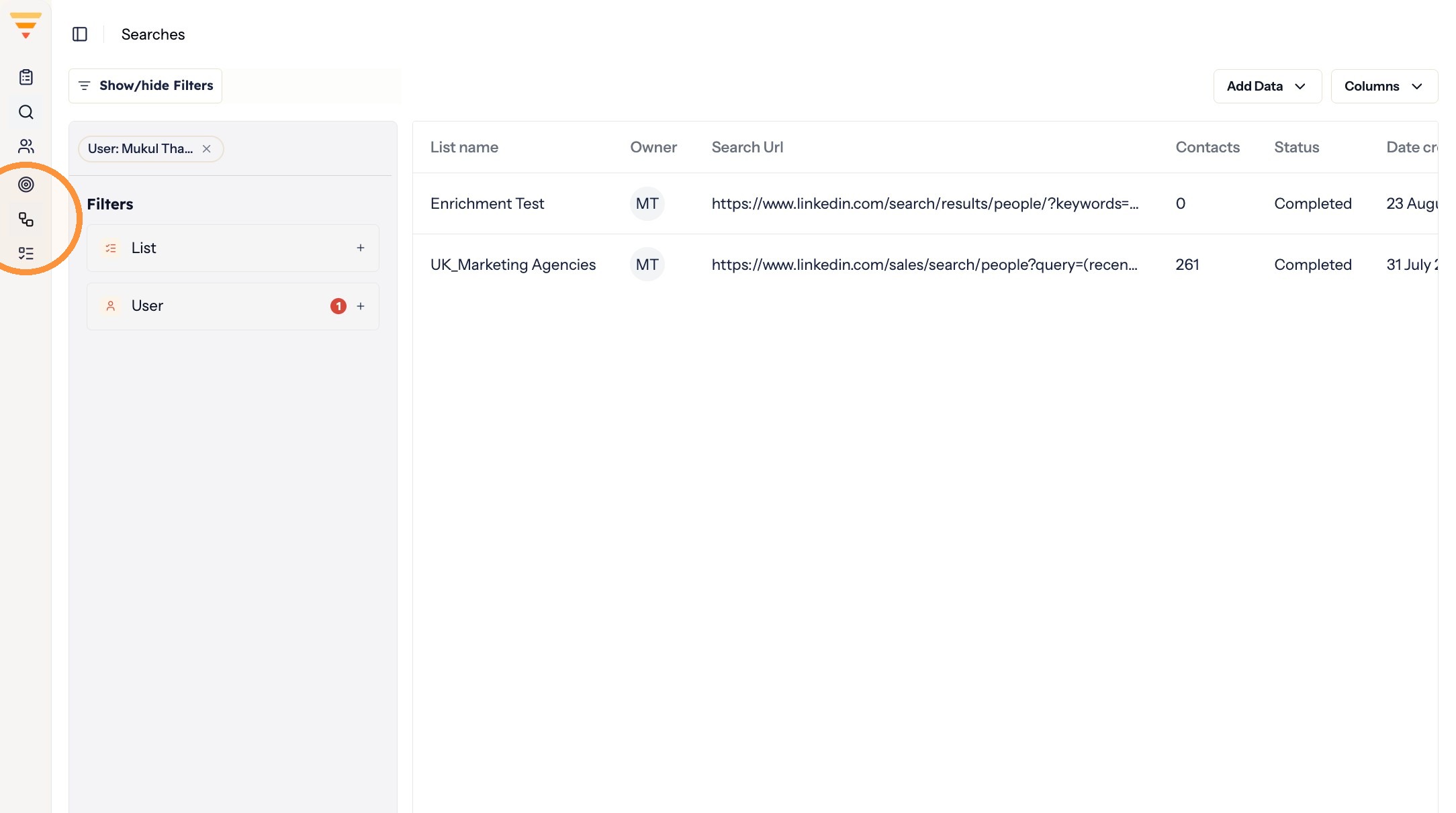
Opening Flows -
If the flow belongs to a colleague, open the User dropdown to filter by their name.
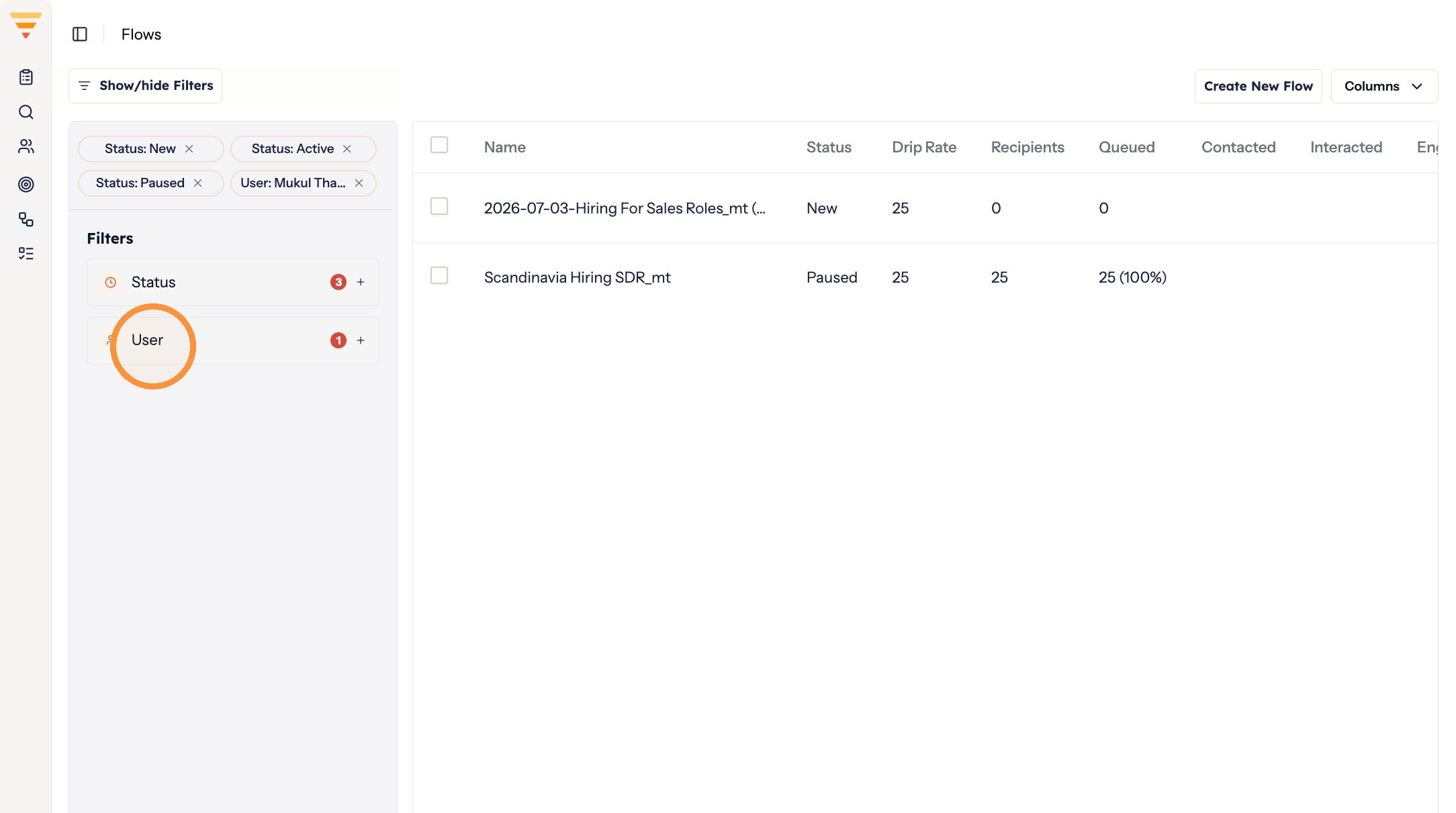
Filtering by user -
Select the user name and click Apply changes.
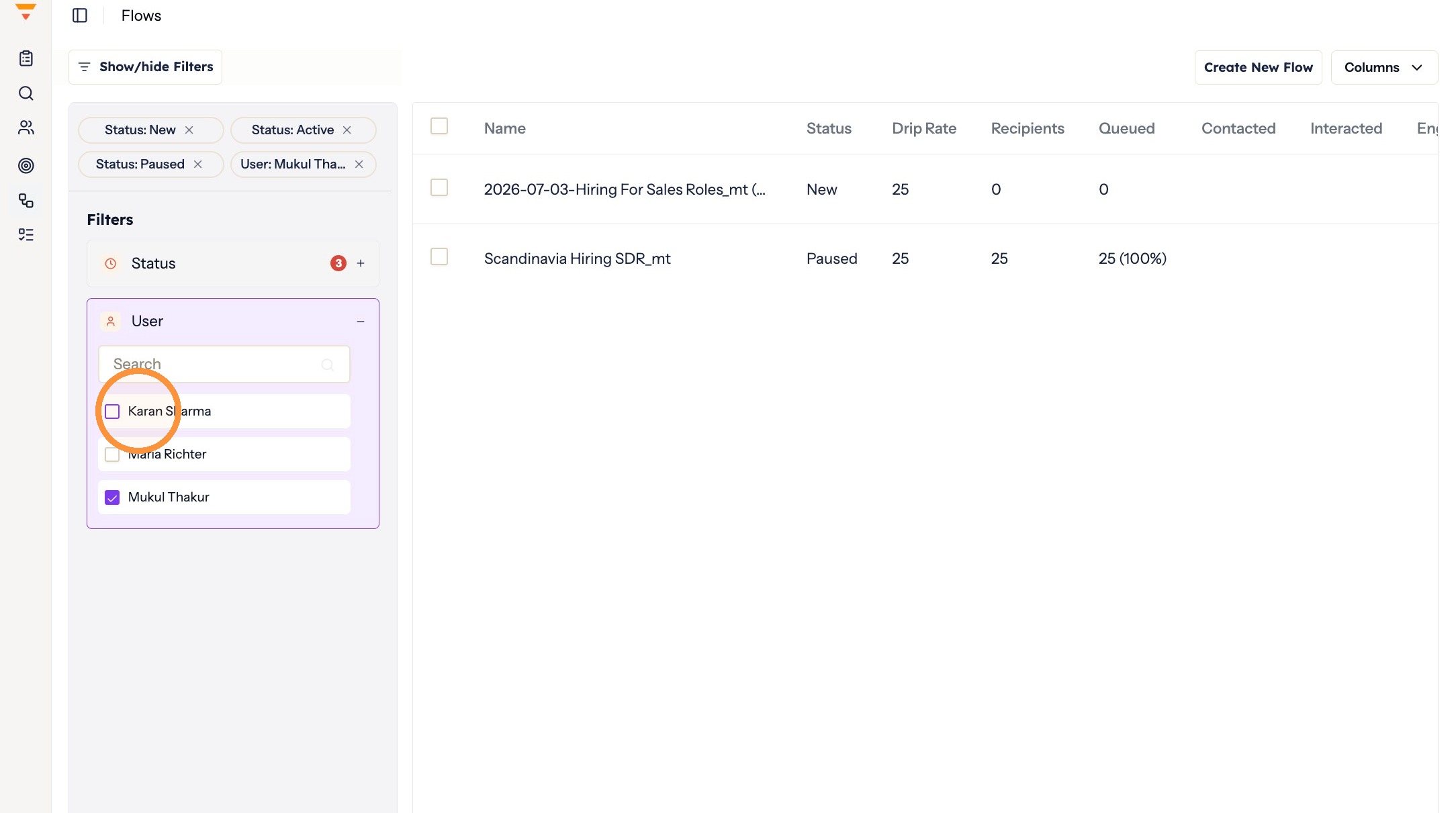
Applying the filter -
Select the flow you want to clone.
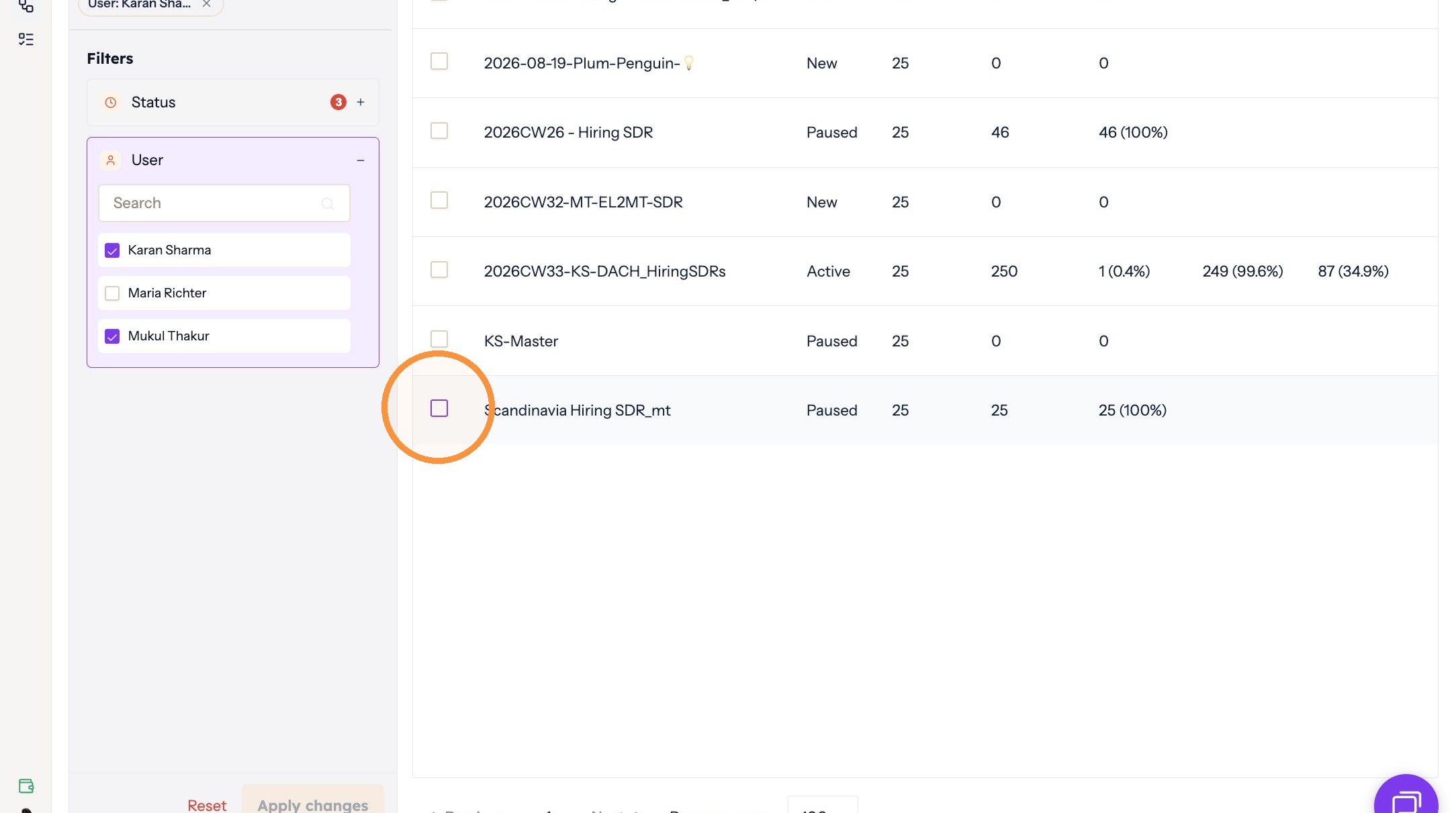
Choosing the flow -
From the menu, click Clone.
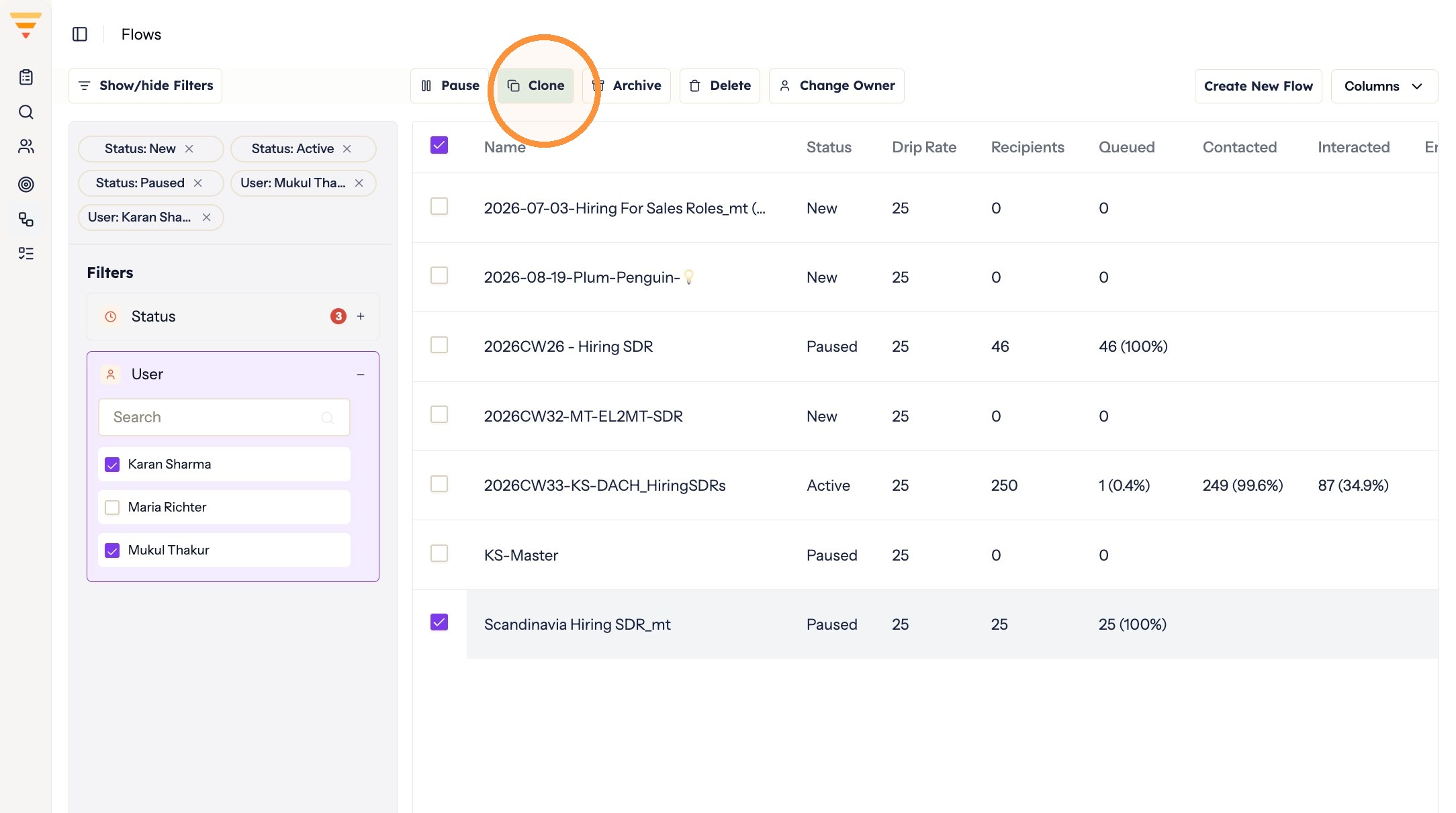
Cloning the flow -
Click the new flow to open it.
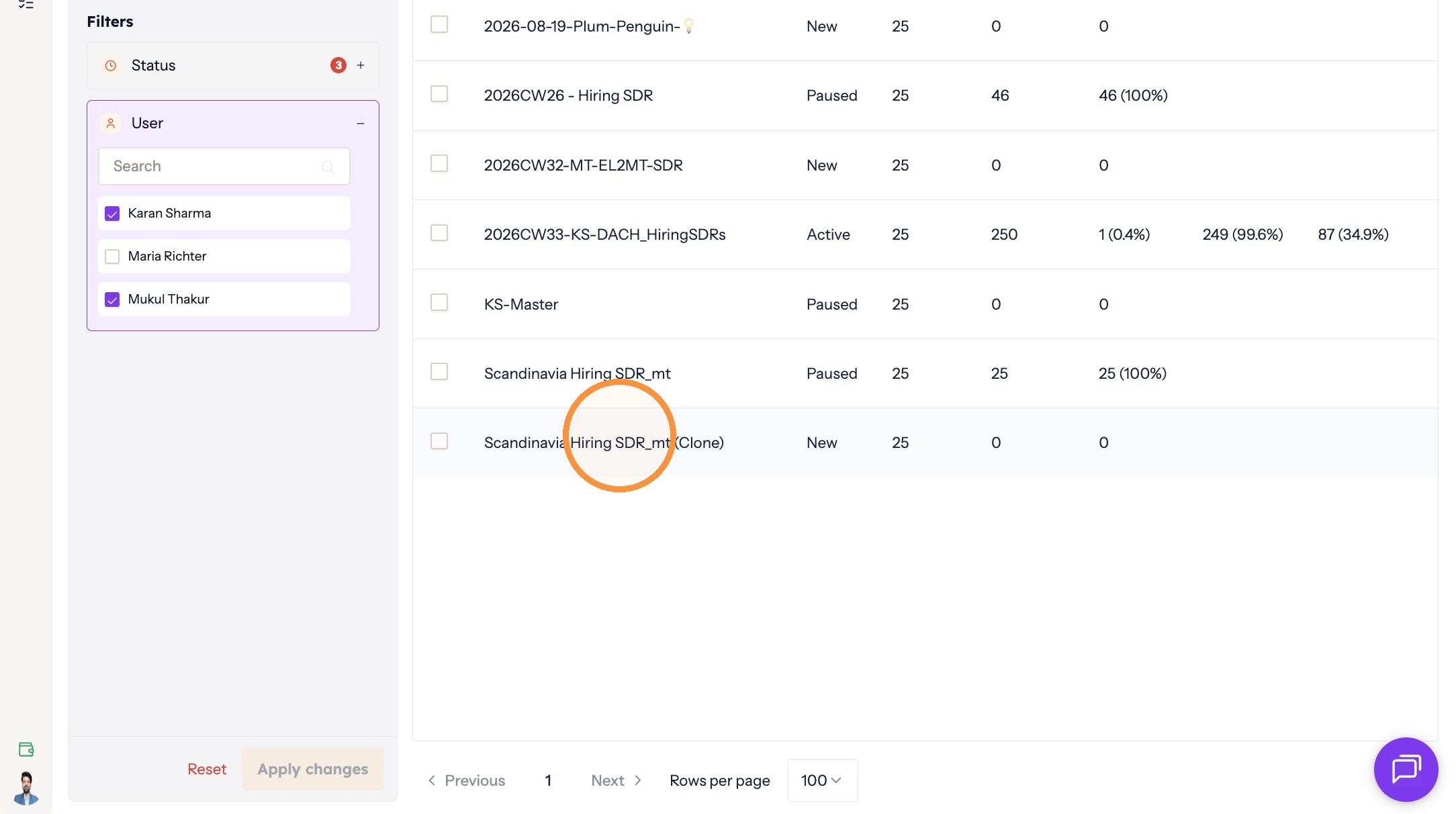
Opening the copy -
Rename and configure it as required.
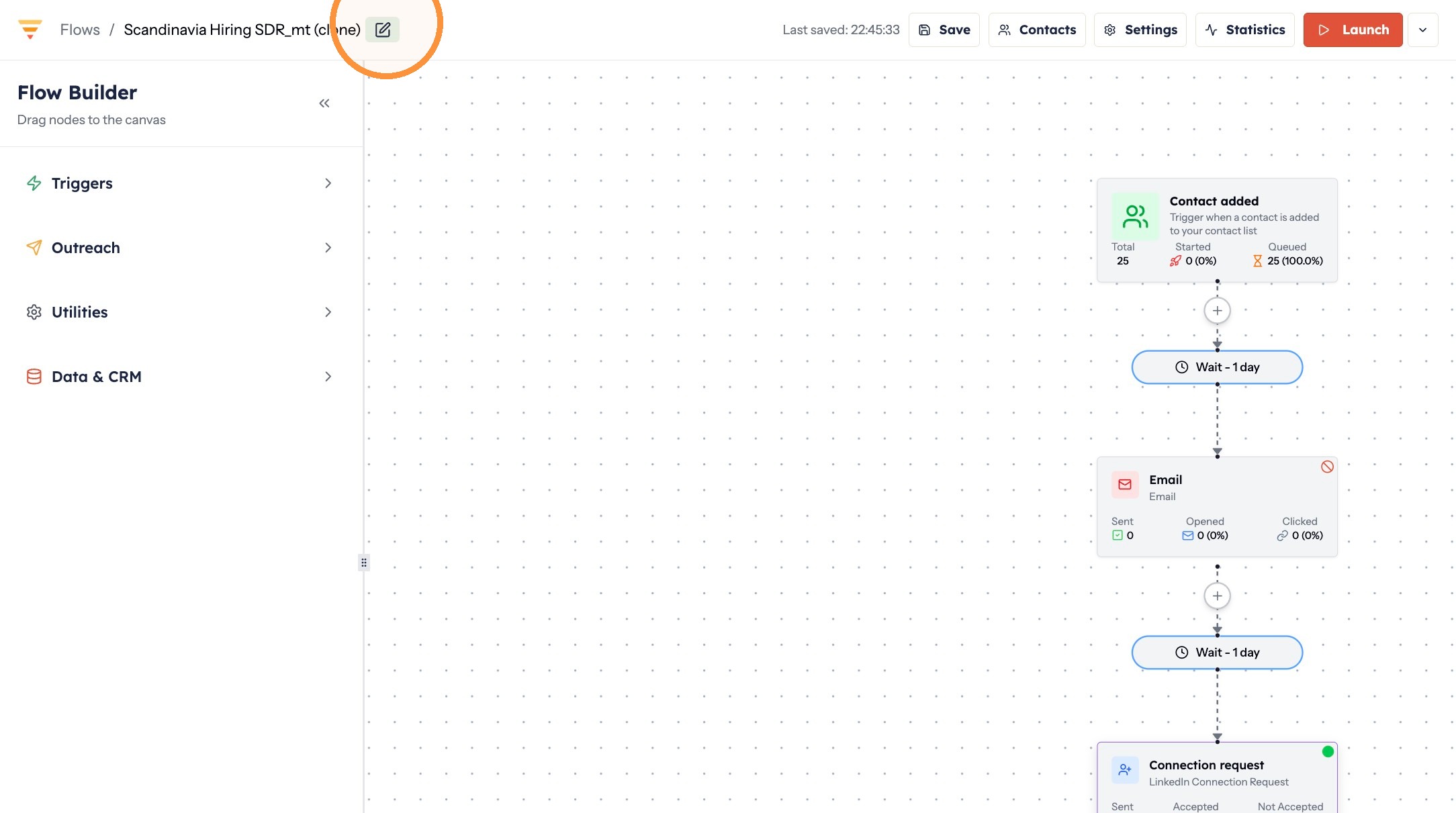
Adapting the copy
Your copy is ready. It carries the original's structure, so you only need to adjust what differs before launching it.
Interactive walkthrough
Click through every step at your own pace.
The walkthrough loads from Scribe only after you click, so nothing third party runs on the page until then.
Common questions
Can I clone a flow that belongs to a colleague?
Yes. Filter by their name under the User dropdown on the Flows page to find their flow, then clone it.