

Move contacts between lists
Reorganise your contacts by moving them from one list to another, without affecting their flows or tags.
- Applies to
- All plans
- Before you start
- Contacts in a hubsell list, and a destination list to move them to.
Lists are how you organise contacts for finding and filtering. Moving contacts between them is a tidying action: it changes where a contact lives, not what happens to it.
A contact sits in one list at a time. Moving it to another list removes it from the one it was in.
Move the contacts
-
Click the Contacts icon in the left sidebar.
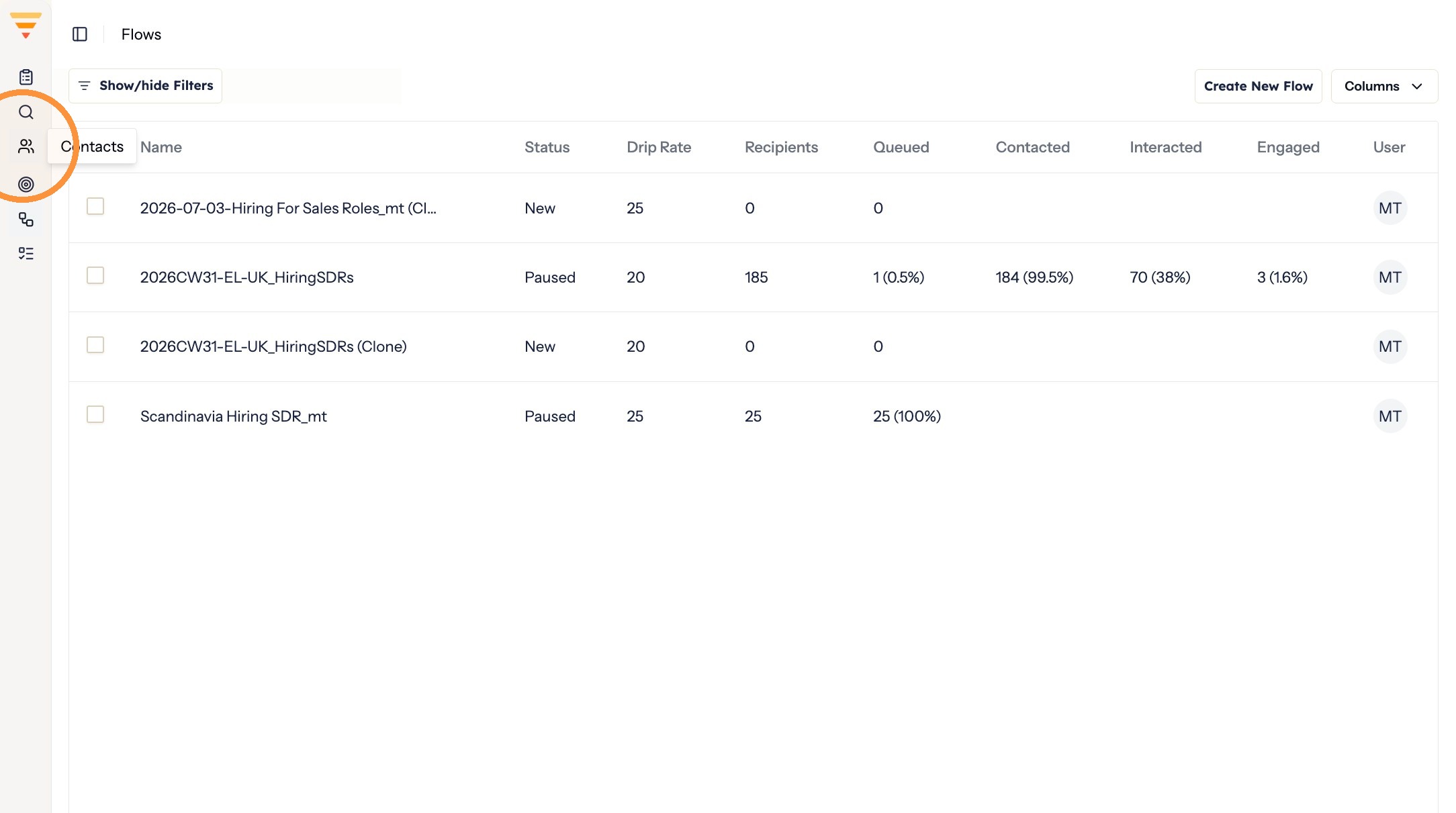
Opening Contacts -
Apply filters to narrow down the contacts you want to move.
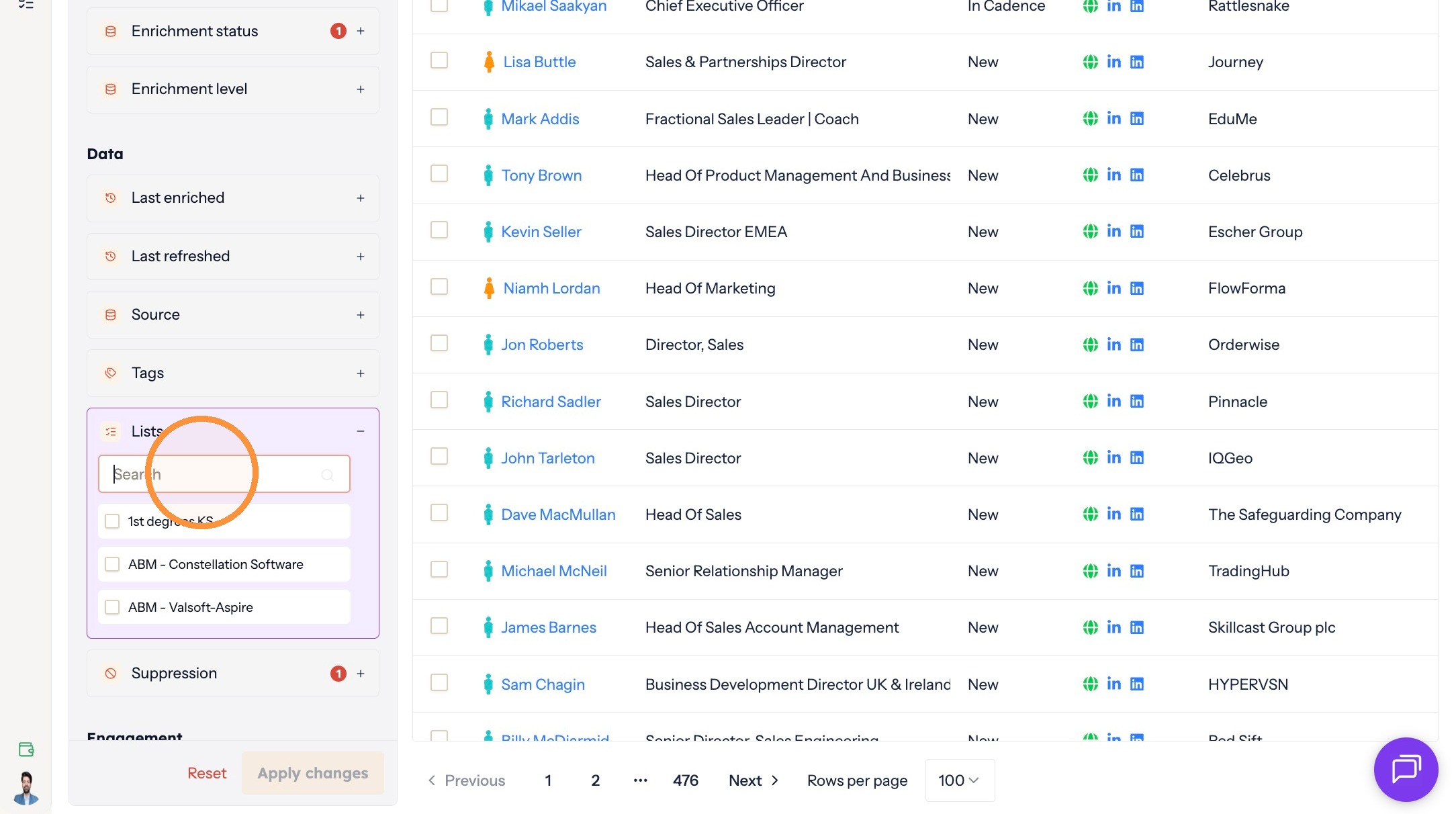
Narrowing things down -
Click Apply changes.
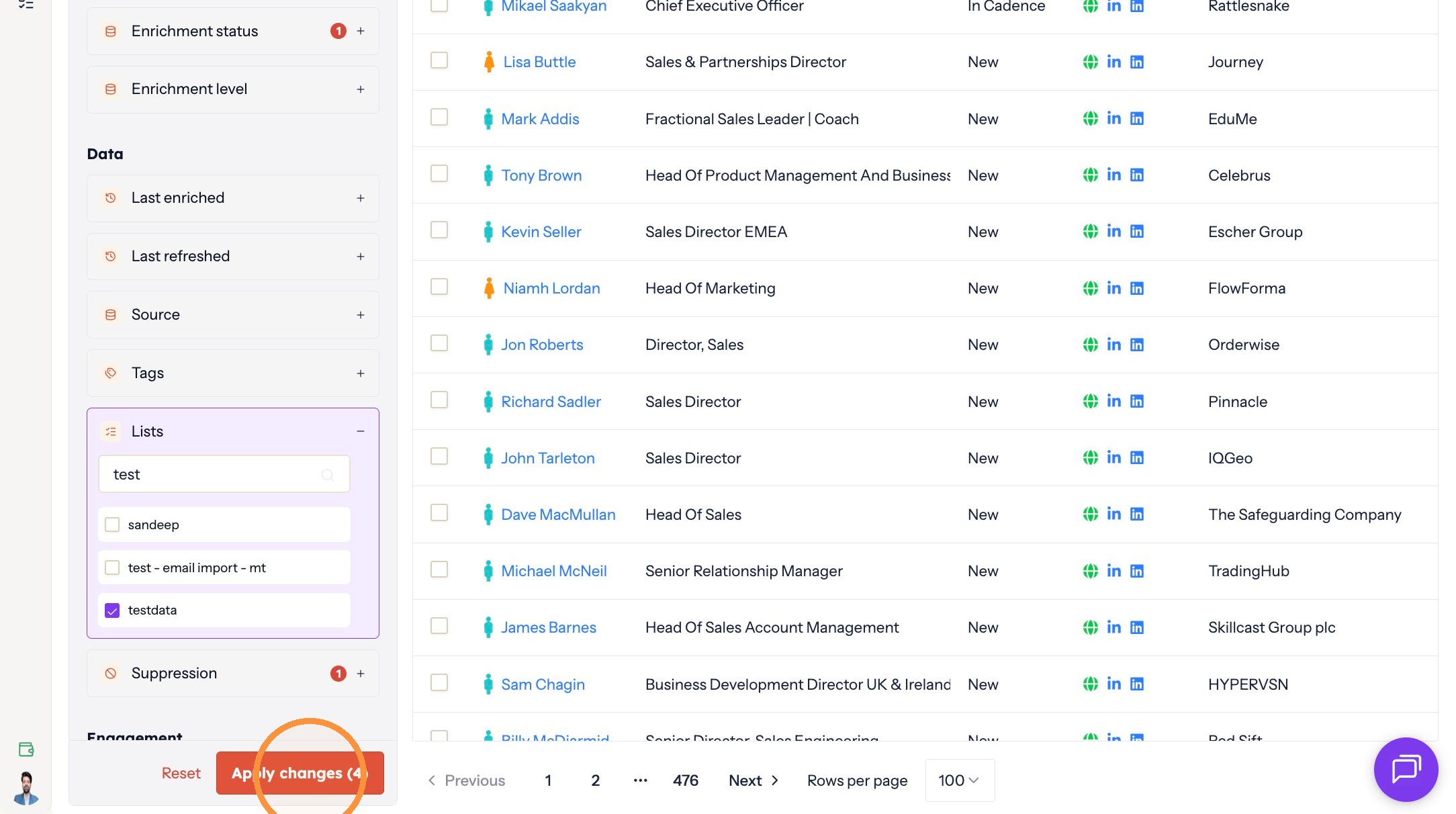
Applying the filters -
Select the contacts you want to move.
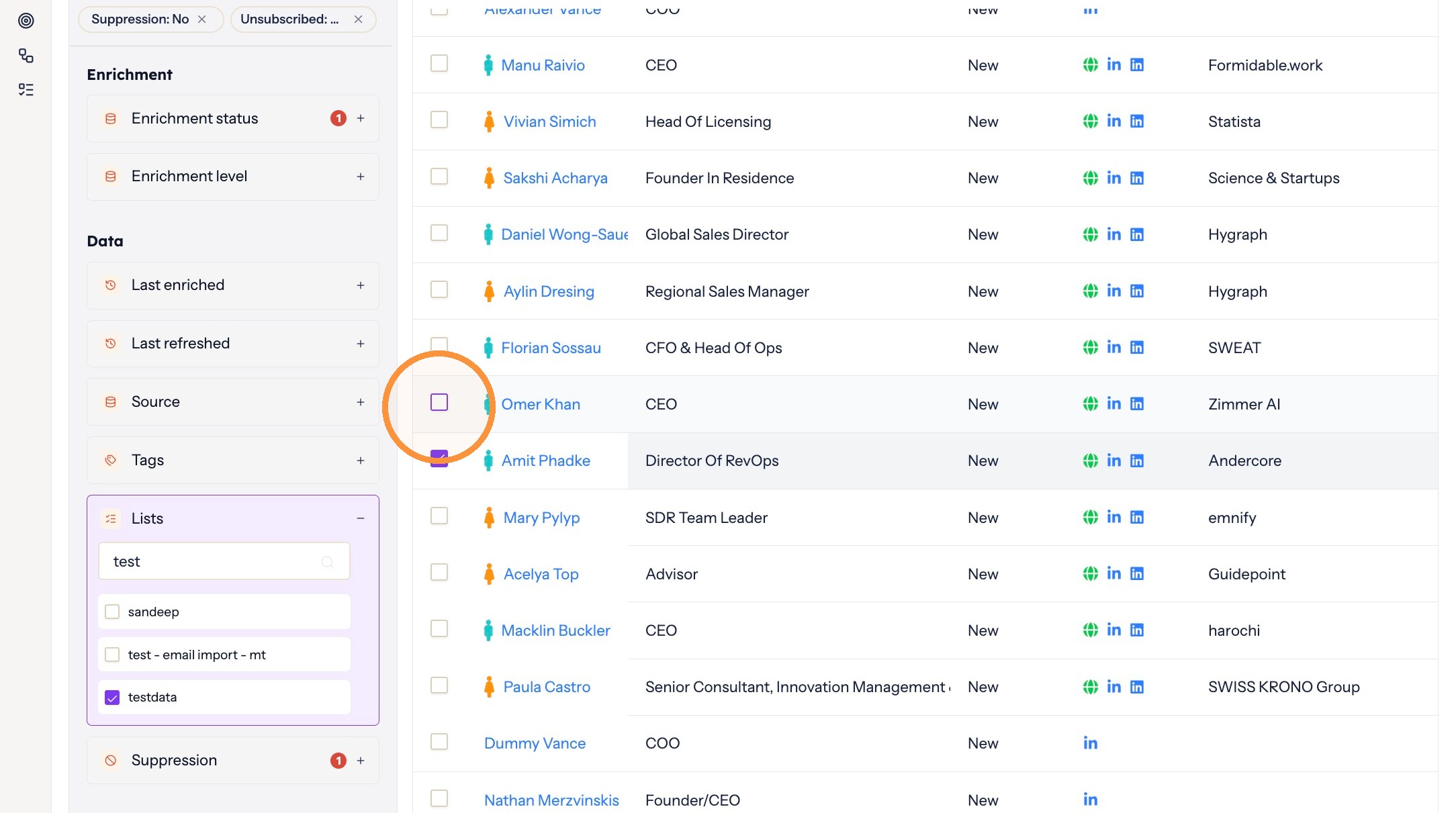
Selecting contacts -
Click Change list in the toolbar above the contact table.
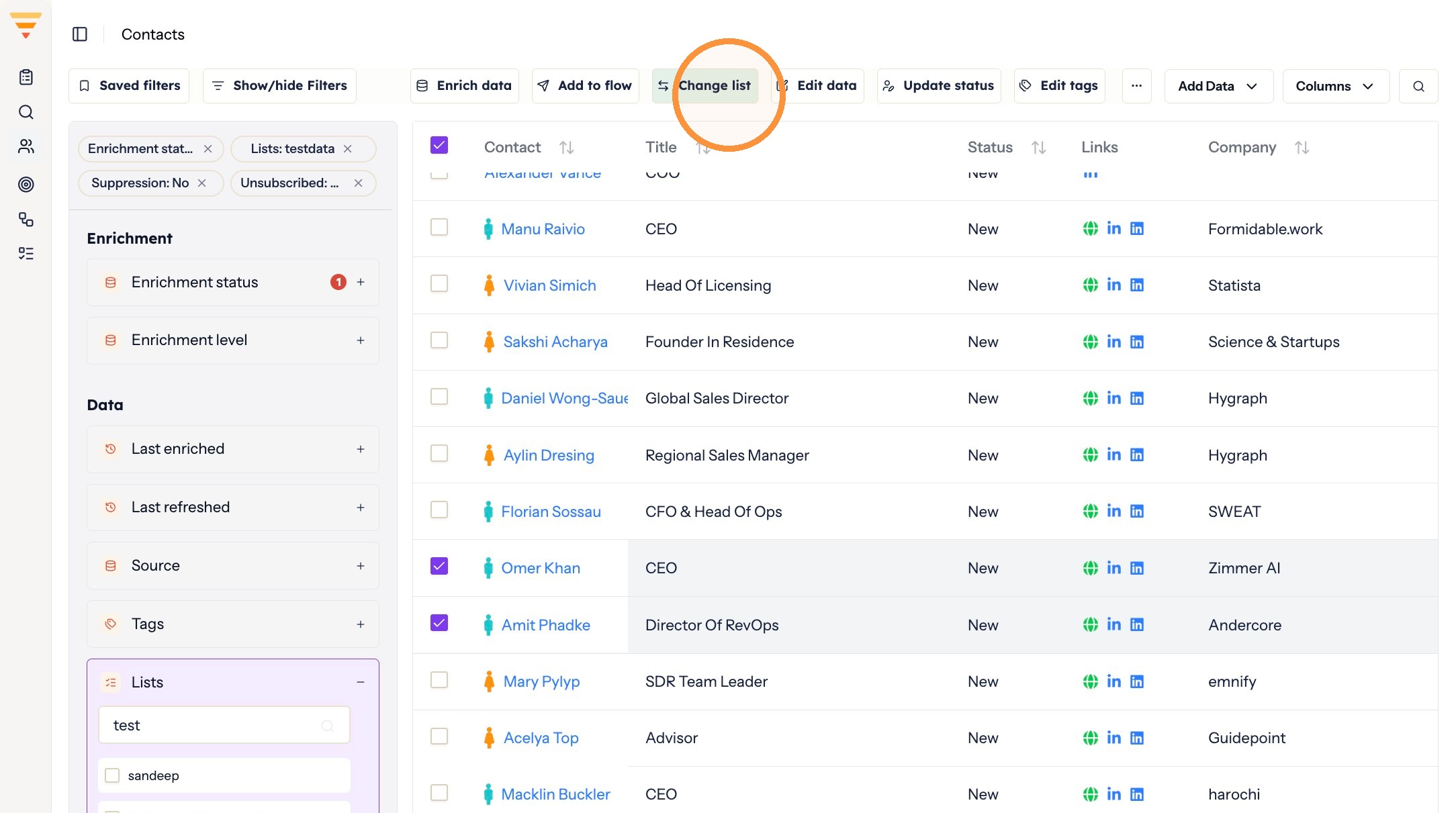
Opening the move dialog -
Type the name of the list you want to move them to.
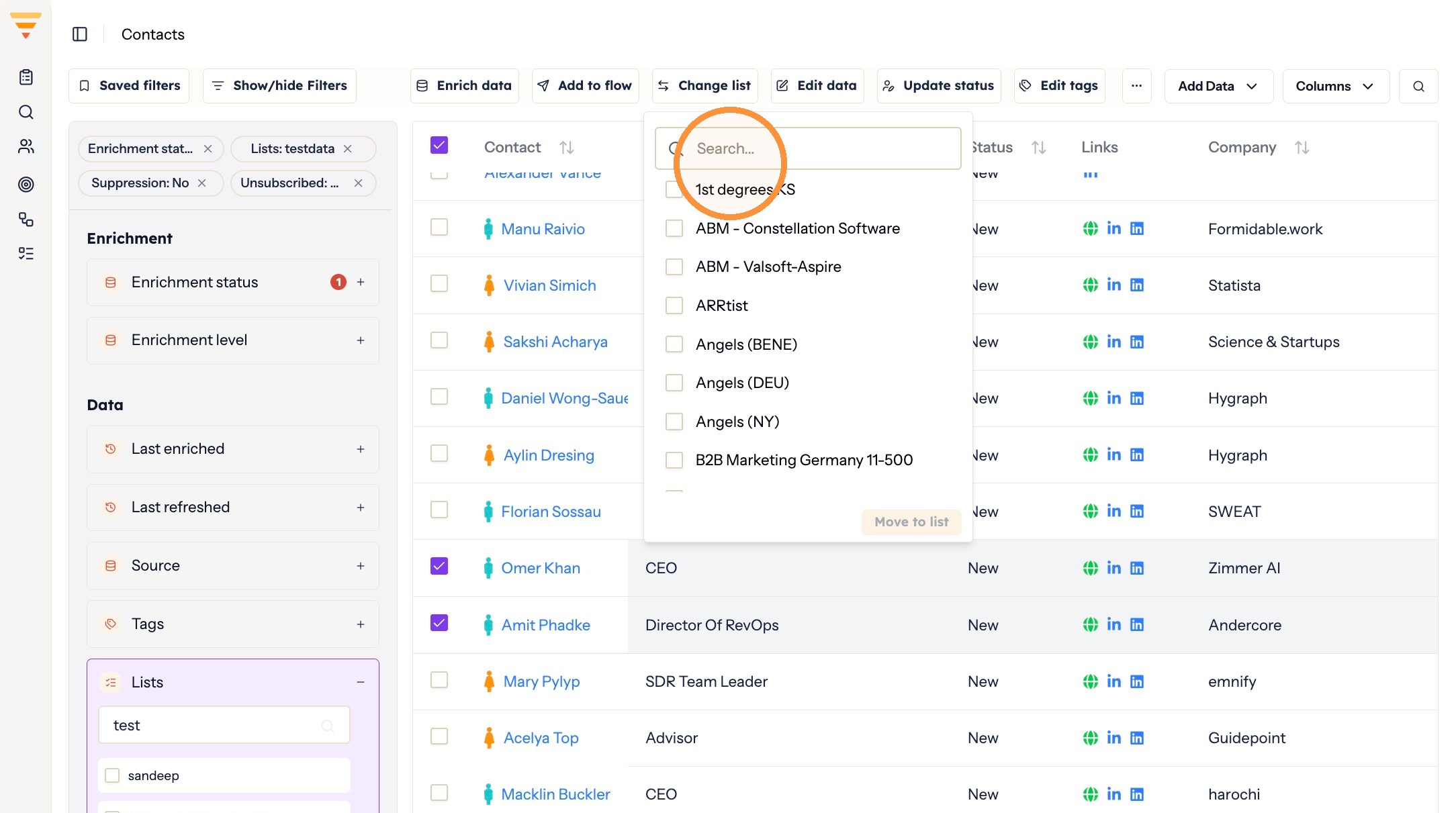
Naming the destination -
Select the list.
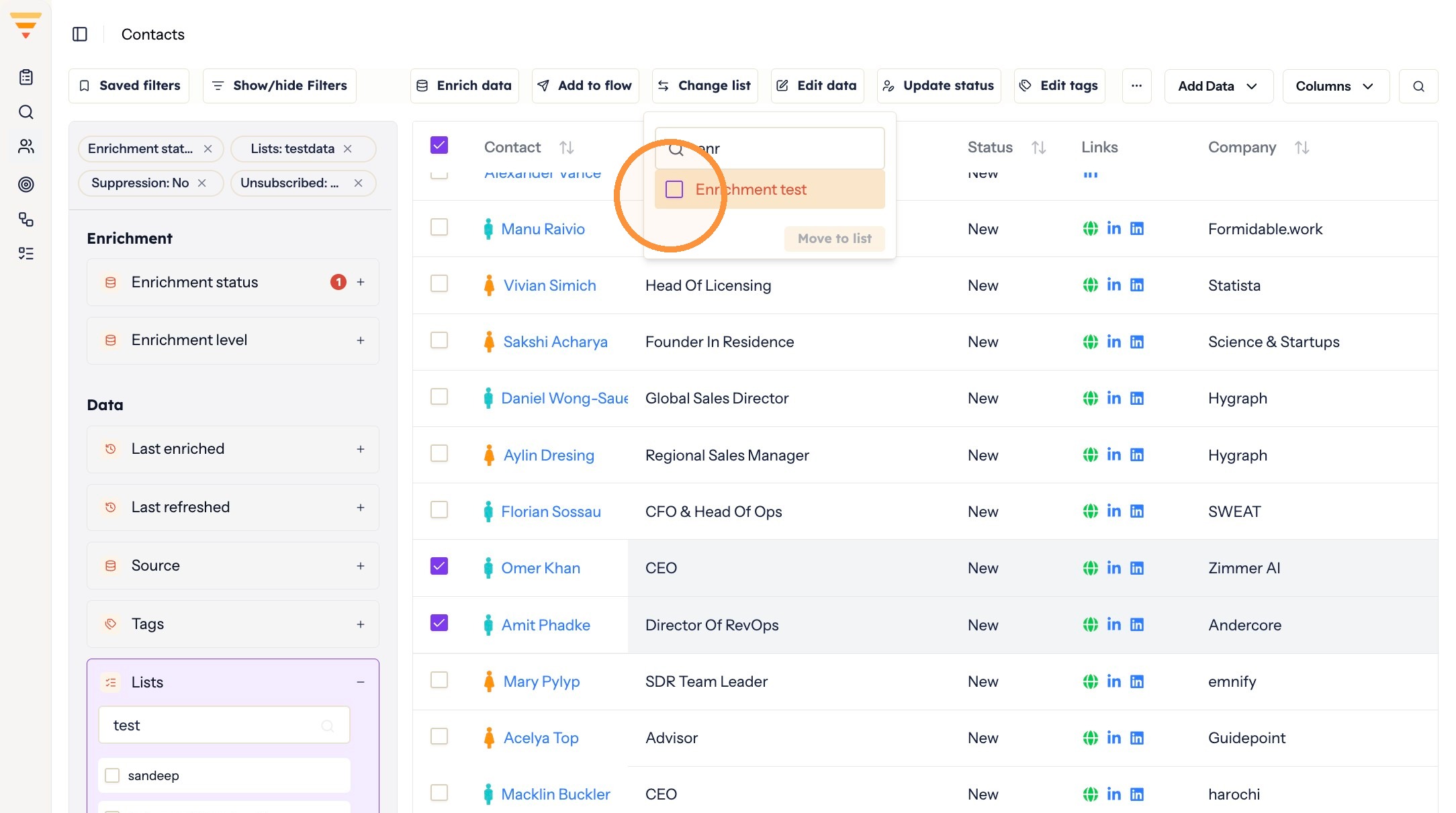
Choosing the list -
Click Move to list.
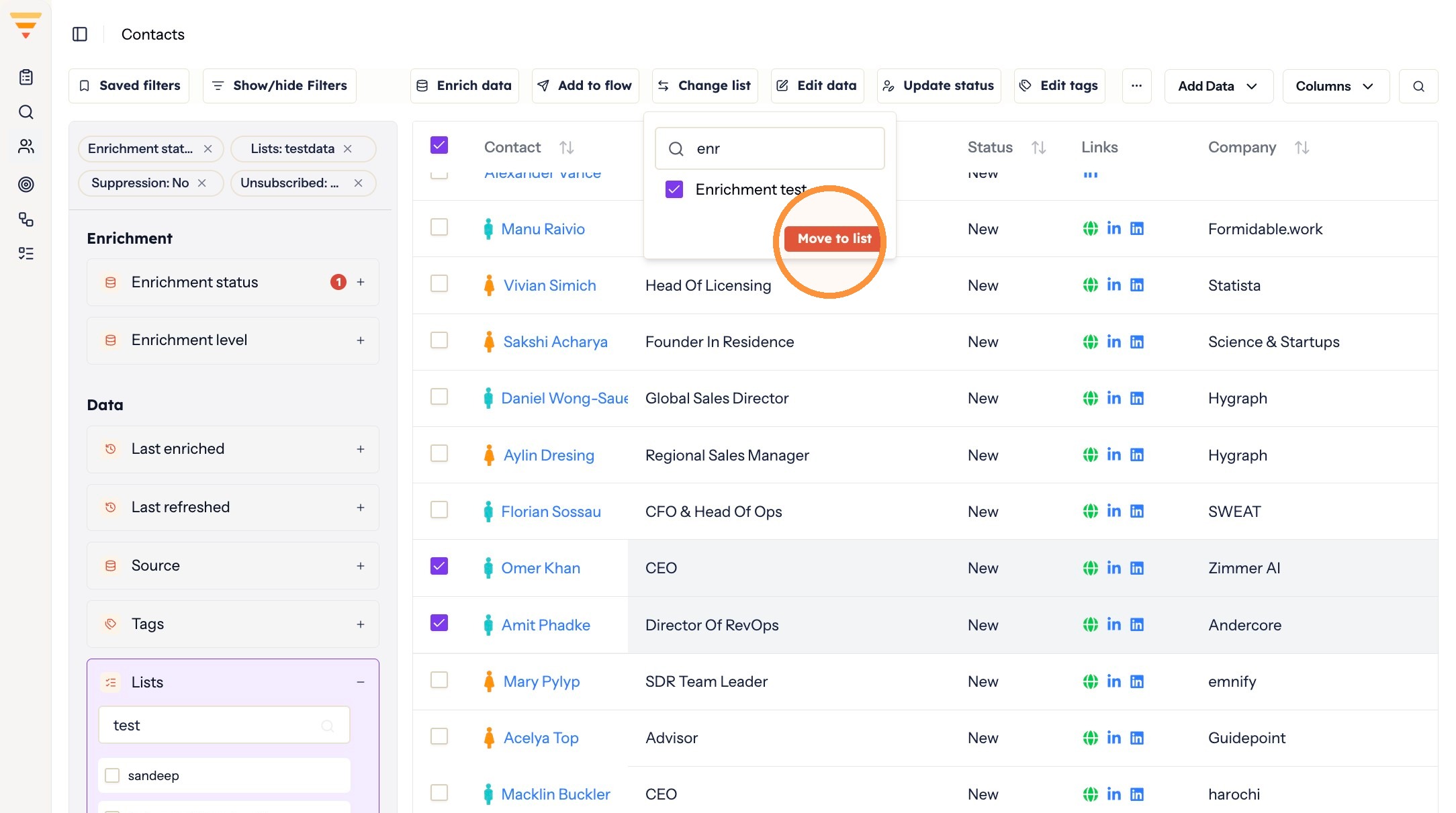
Completing the move
Your contacts have moved. They now appear under the destination list, with their tags, flows and outreach untouched.
Interactive walkthrough
Click through every step at your own pace.
The walkthrough loads from Scribe only after you click, so nothing third party runs on the page until then.
Common questions
Can a contact be in more than one list?
No. A contact sits in one list at a time, so moving it to another list removes it from the one it was in.
Does moving a contact affect its flow?
No. A list is only a directory for finding contacts. Moving one does not change the flow it is in or the outreach it receives.
What happens to a contact's tags when I move it?
Nothing. Tags are unaffected, and tag filters still find the contact wherever it sits.
Related articles
- Data enrichment in hubsellWhat data enrichment is, why it matters for outreach, and where you choose it when you bring contacts into hubsell.
- Suppress and unsuppress contactsKeep individual contacts out of your outreach without deleting them, and put them back when you want to.
- Isolate contacts with no email address or LinkedIn URLFind the contacts a flow would skip, and move them into a list of their own so they do not sit unnoticed in your outreach.
- Manually update a contact's statusSet a contact's status yourself to stop or resume automation, for example when a conversation has moved offline.